
Have A Coupon?
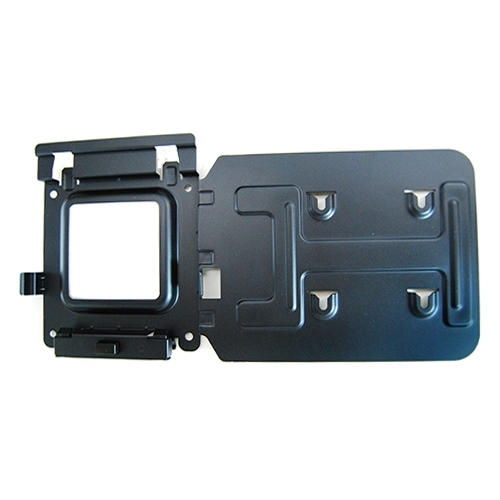
DELL 575-BBIV
€102.95
€83.70
96 Qty Available
Order today, we will ship : Today
SKU
MK15
Dock Mounting Bracket Kit
Related Products
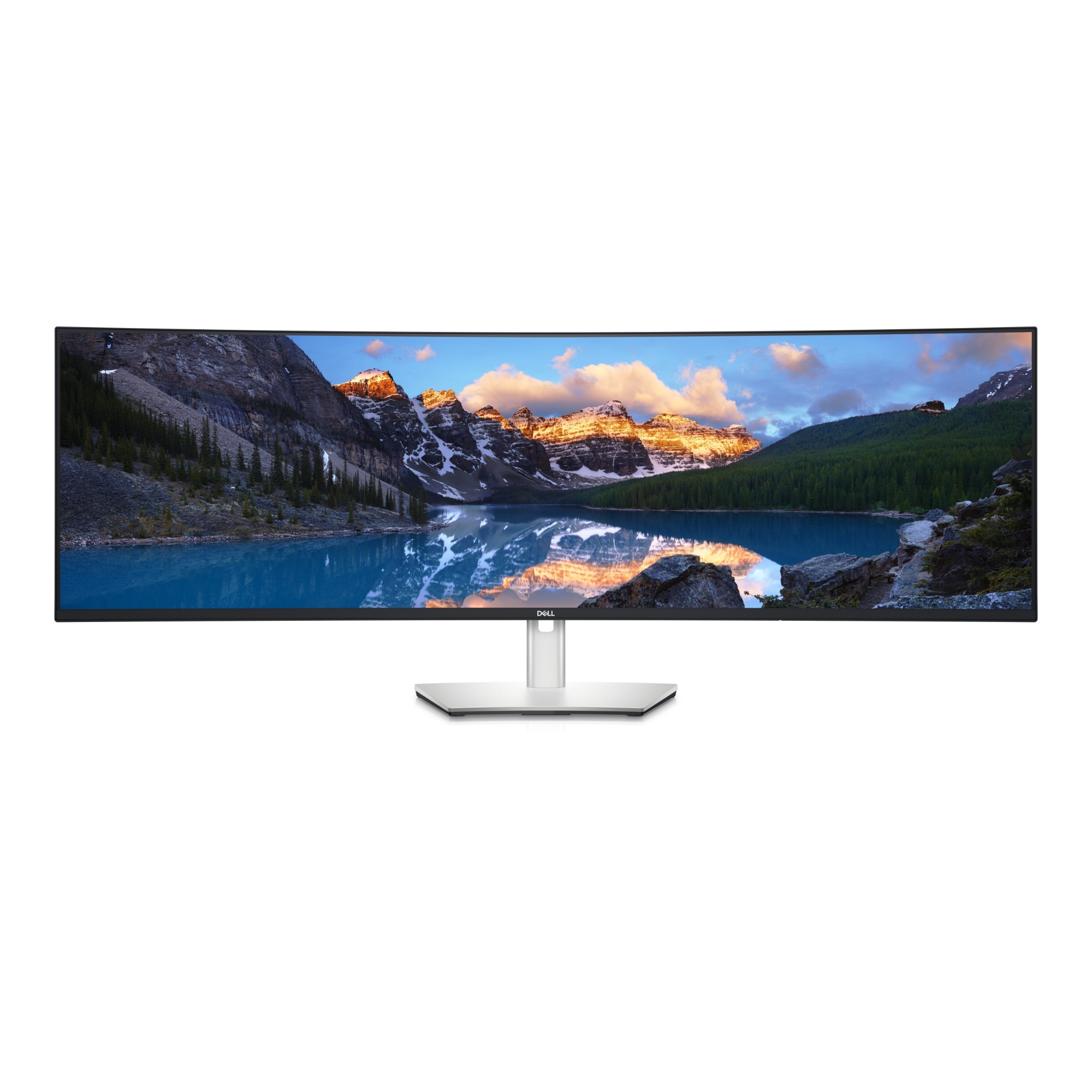
DELL UltraSharp U4924DW computer monitor 124.5 cm (49") 5120 x 1440 pixels 5K Ultra HD LCD Black, Silver
124.5cm (49") 5K Ultra HD 5120 x 1440 LED IPS, 32:9, 350cd/m², 1.07B, 14ms, 178°/178°, 2000:1
€1,301.54
€1,058.16
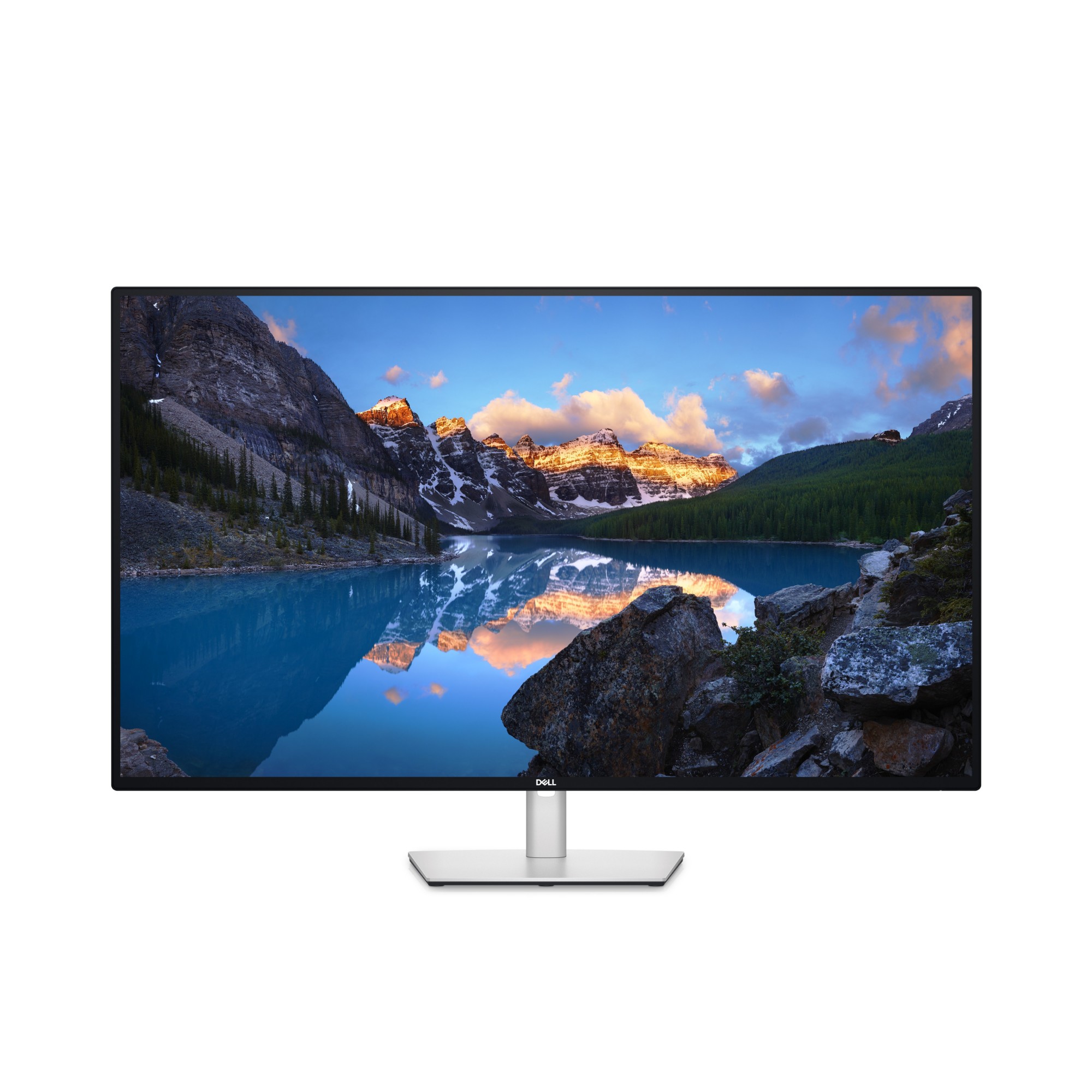
DELL UltraSharp U4323QE computer monitor 109.2 cm (43") 3840 x 2160 pixels 4K Ultra HD LCD Silver
109.22 cm (43") 4K Ultra HD 3840 x 2160, W-LED IPS, 16:9, 350cd/m², 8ms, 178°/178°, 1000:1
€1,065.50
€866.26

DELL UltraSharp U3824DW computer monitor 95.2 cm (37.5") 3840 x 1600 pixels Wide Quad HD+ LCD Black, Silver
95.25cm (37.5") Wide Quad HD+ 3840 x 1600 W-LED IPS, 21:9, 300cd/m², 1.07B, 8ms, 178°/178°, 2000:1, SuperSpeed USB A to USB C - 10 Gbps (1m) Upstream cable - 1.00 M
€1,169.29
€950.64
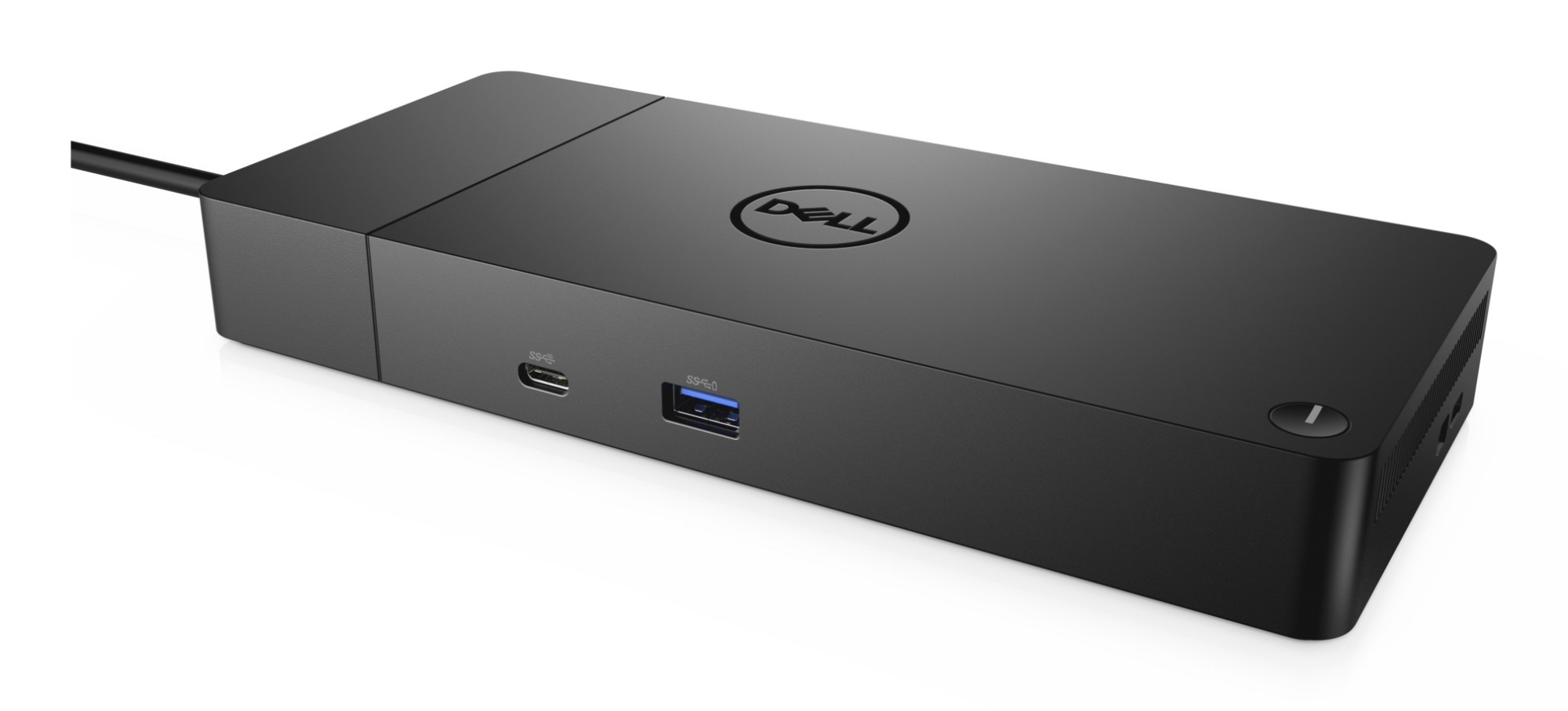
DELL Dock – WD19S 130W
USB 3.1 Gen2 Type-C, 3 x USB A 3.1, 2 x DisplayPort, HDMI, RJ-45, 130W
€245.08
€199.25
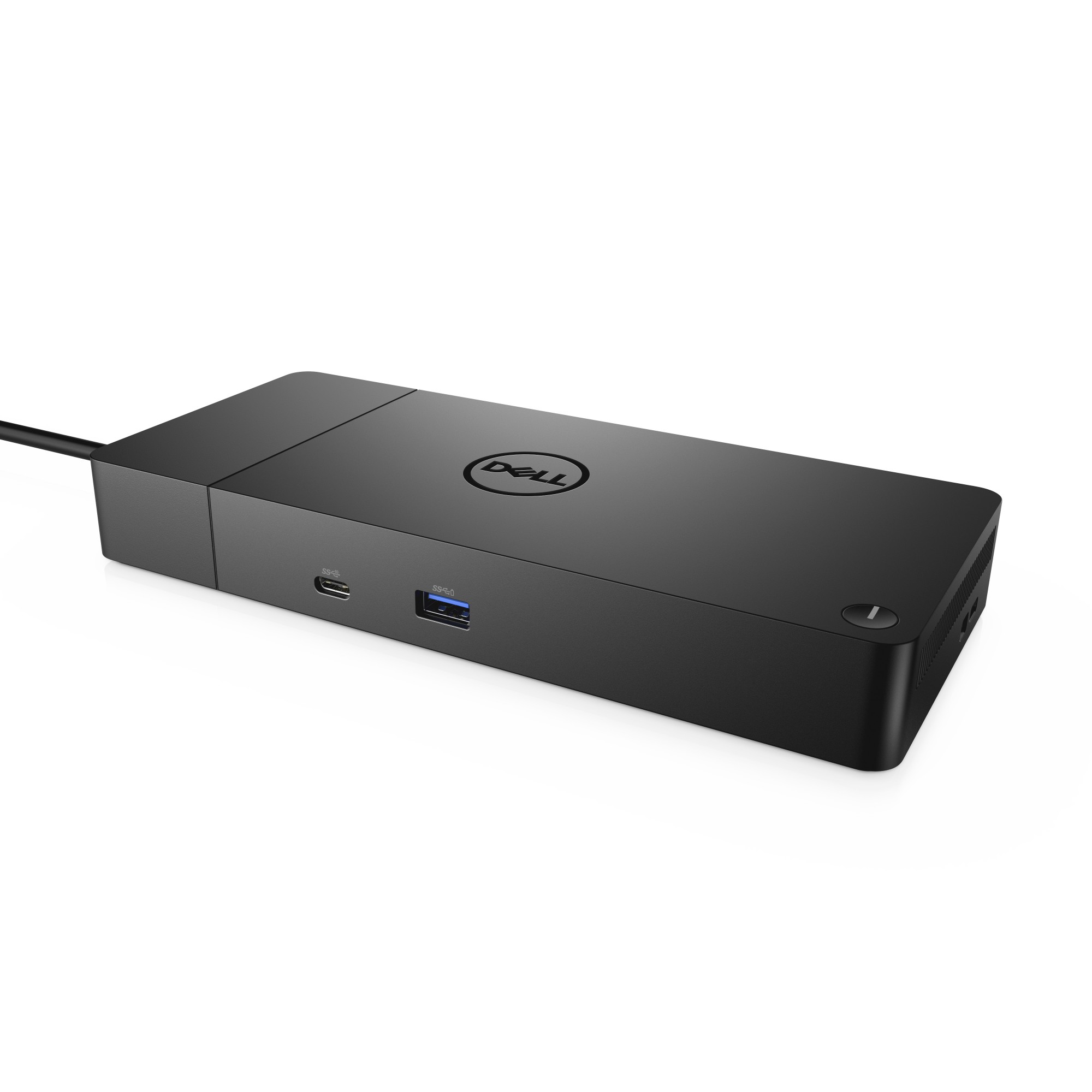
DELL Docking Station USB-C EQV to WD19S-180W
USB 3.1 Gen2 Type-C, 3 x USB A 3.1, 2 x DisplayPort, HDMI, RJ-45, 180W
€287.40
€233.66
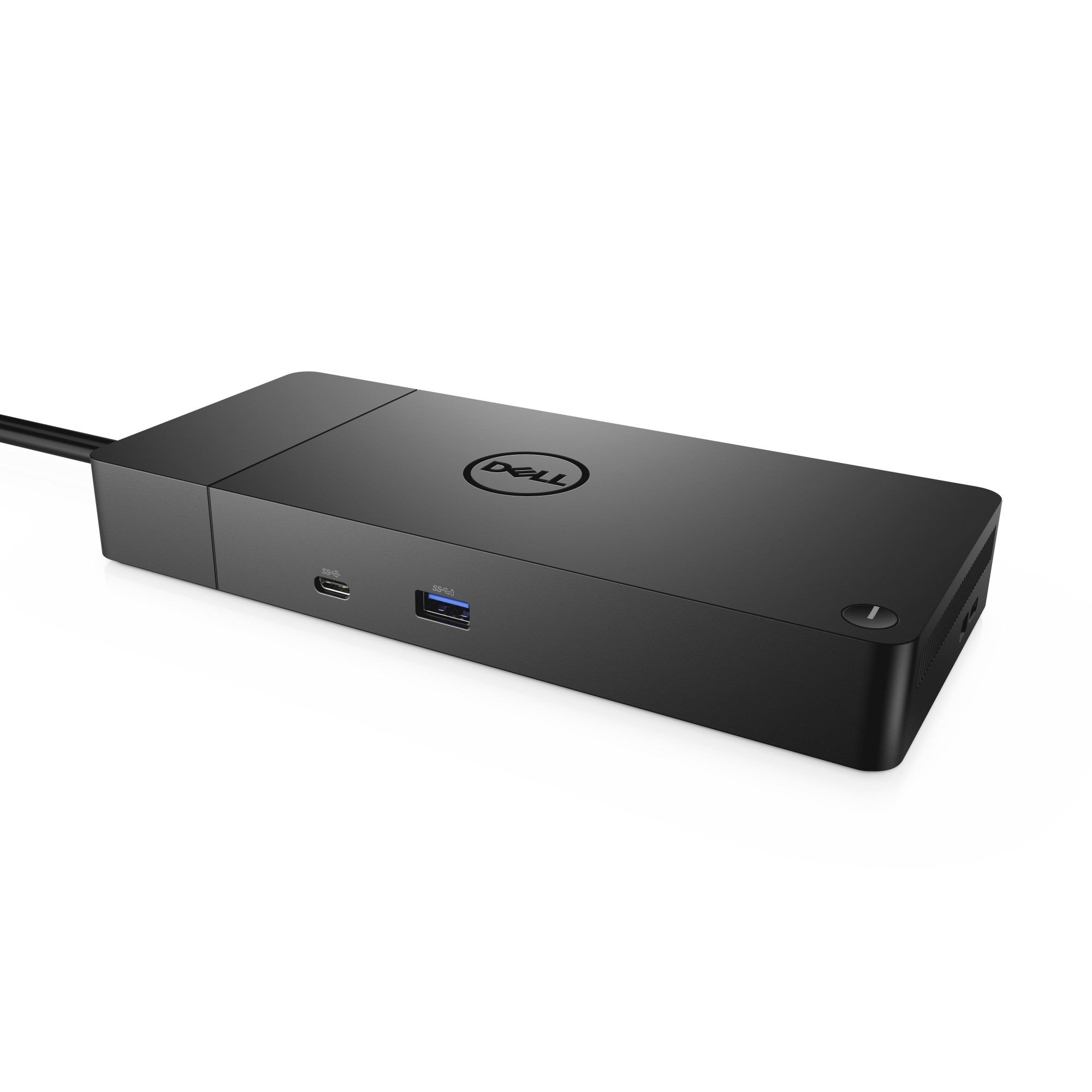
DELL Performance Dock – WD19DCS
USB 3.1 Gen2 Type-C, 3 x USB A 3.1, 2 x DisplayPort, HDMI, RJ-45, 240W
€371.36
€301.92
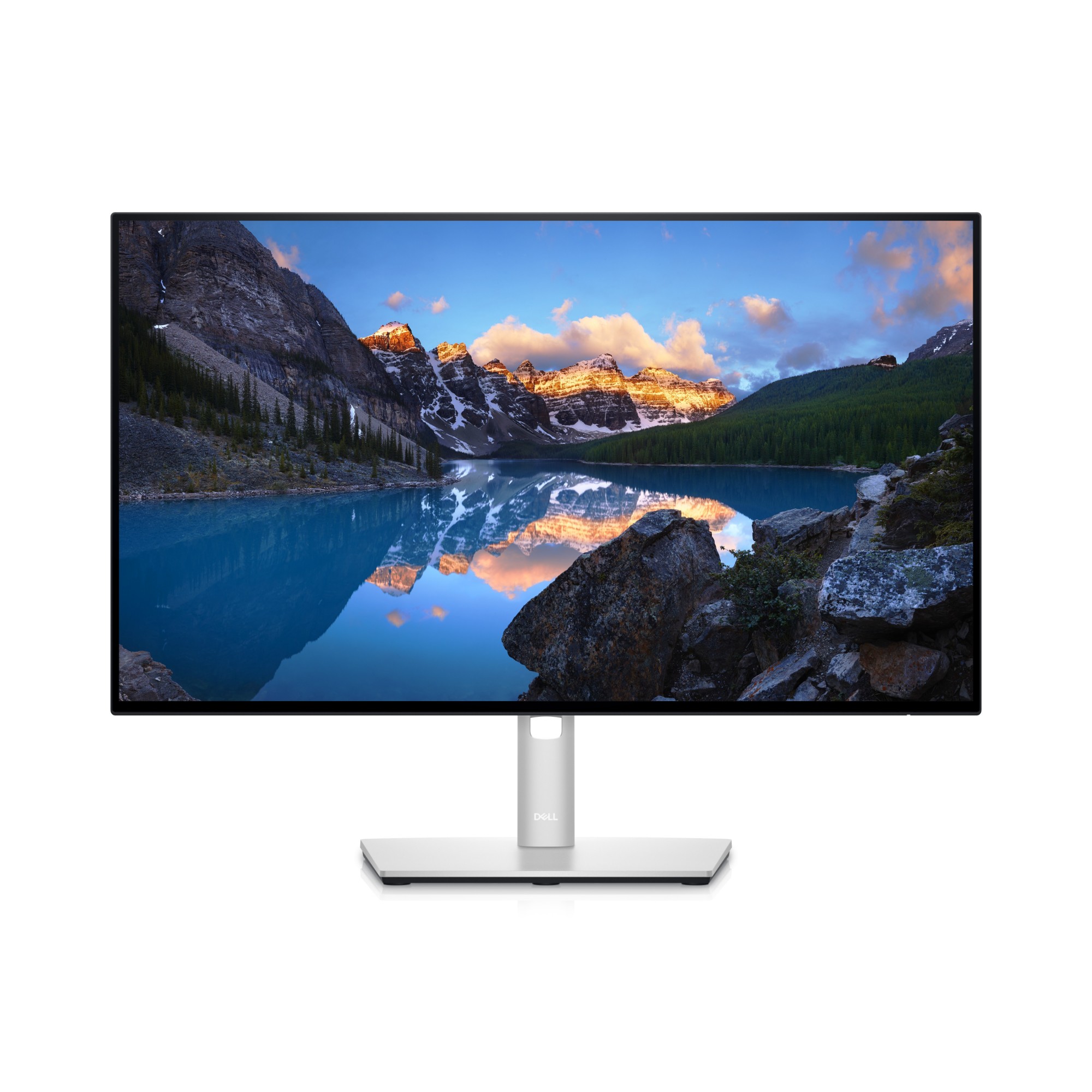
DELL UltraSharp 24 USB-C Hub Monitor – U2422HE
61cm (24") Full HD 1920 x 1080 W-LED IPS, 16:9, 250cd/m², 16.78M, 8ms, 1000:1
€434.39
€353.16
DELL UltraSharp 24 Monitor – U2422H
60.47cm (23.8") Full HD 1920 x 1080 W-LED IPS, 16:9, 250cd/m², 16.78M, 8ms, 1000:1
€336.09
€273.24
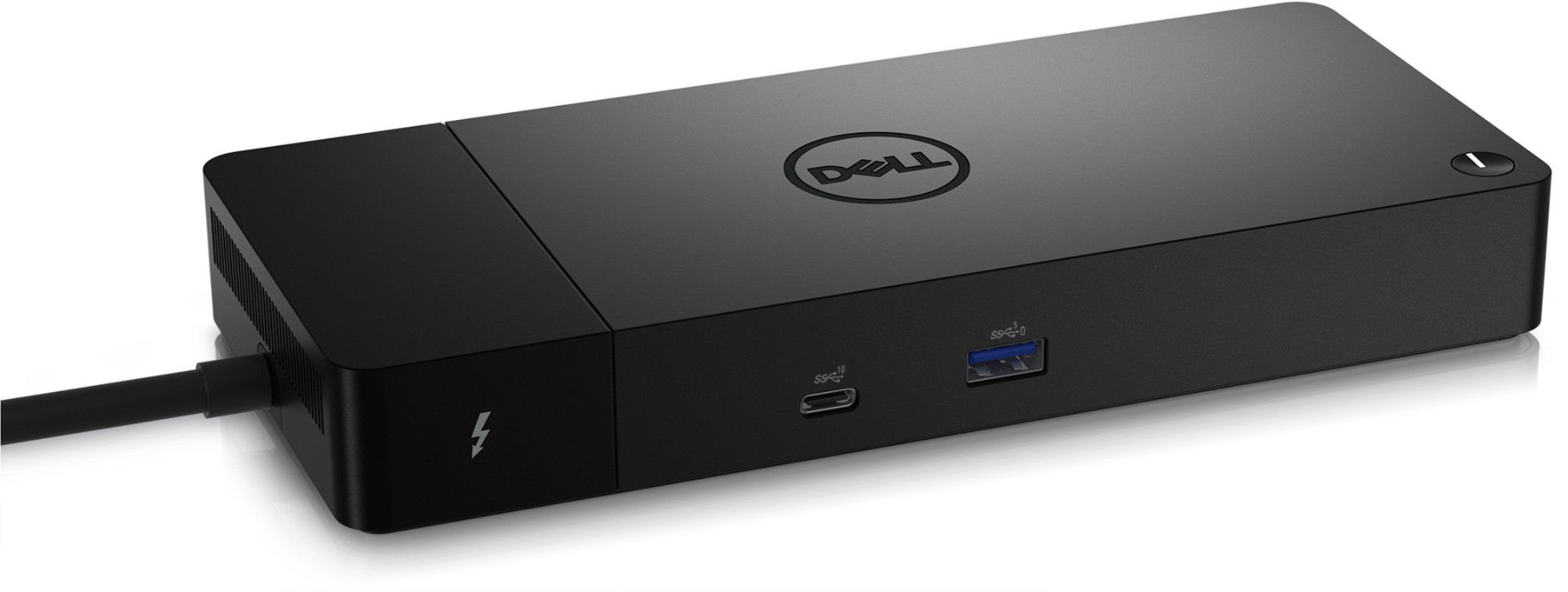
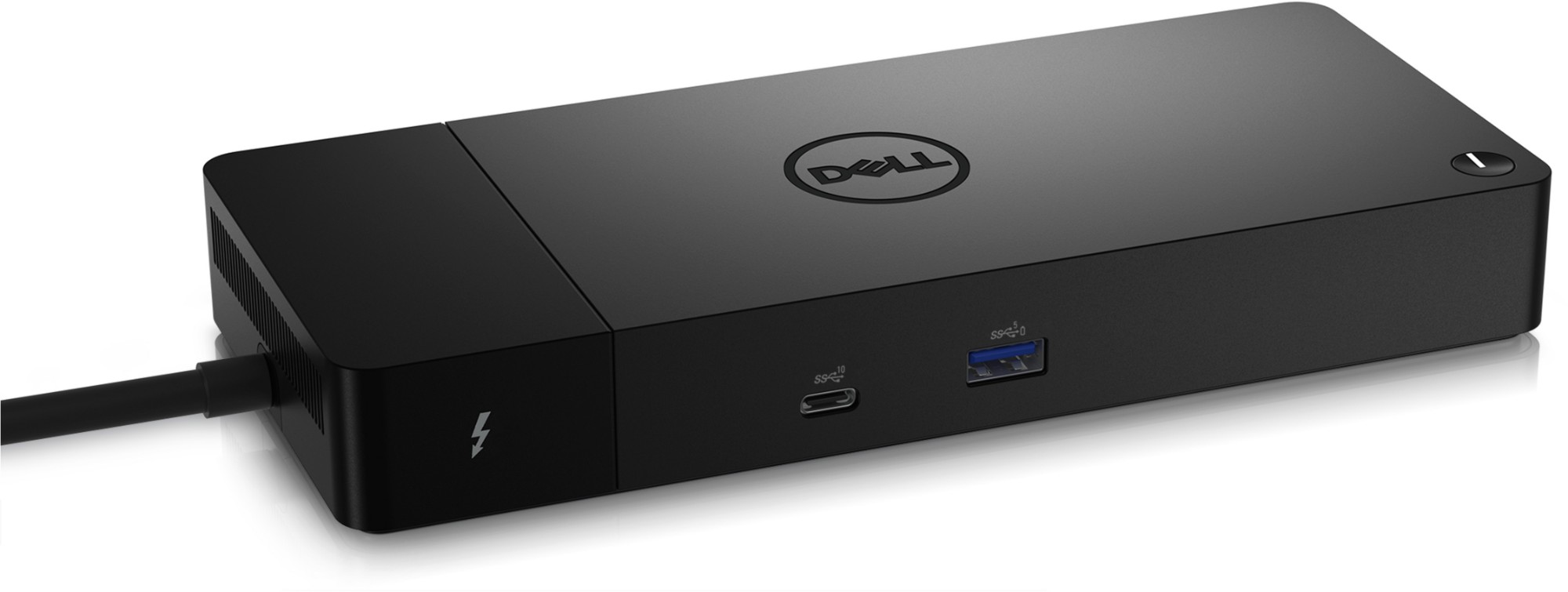
DELL WD22TB4 Docking Thunderbolt Black
DELL WD22TB4, Docking, Thunderbolt, 10,100,1000 Mbit/s, Black, 5120 x 2880 pixels, DC
€398.67
€324.12
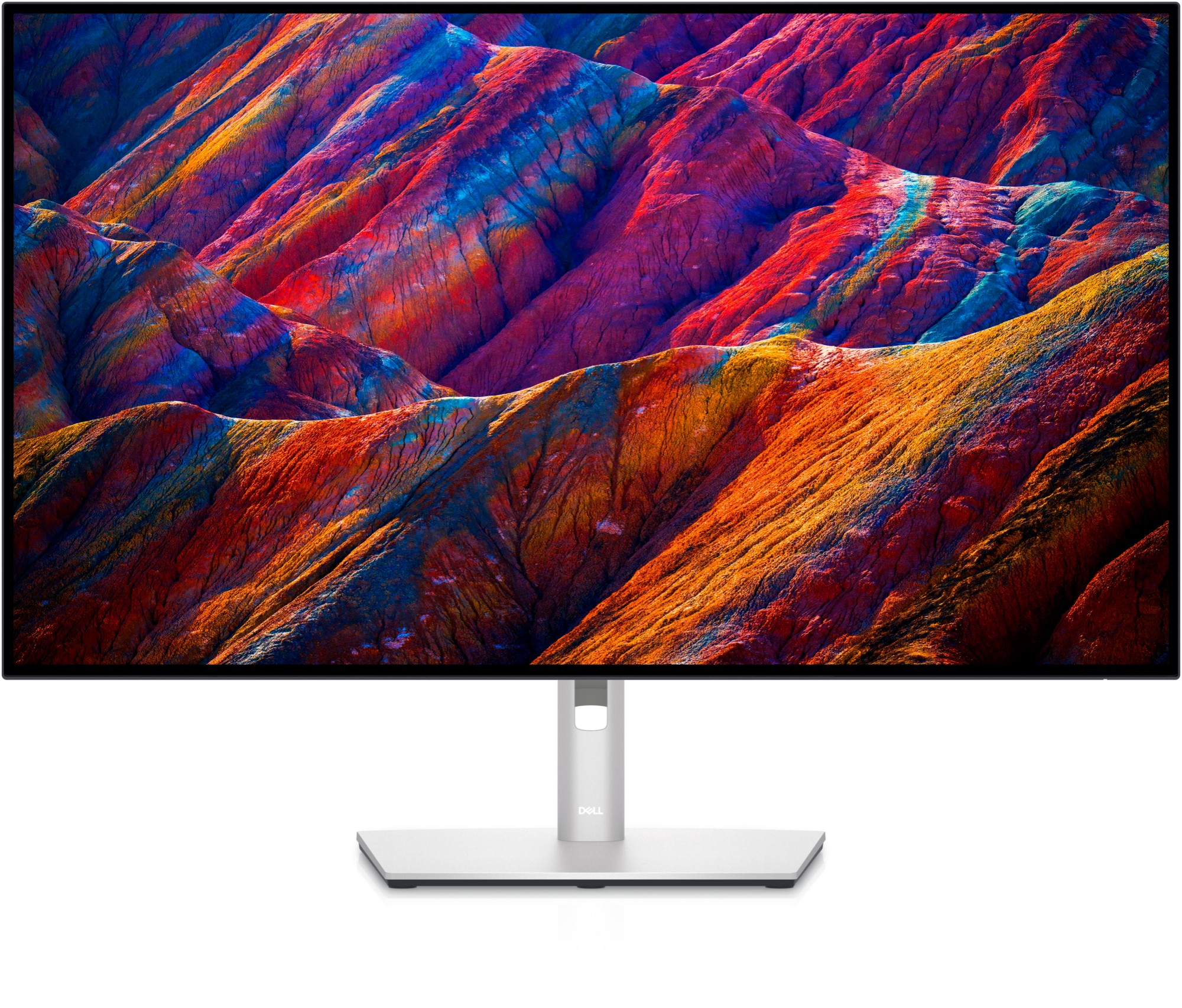
DELL UltraSharp 32 4K USB-C Hub Monitor - U3223QE
80.0cm (31.5") 4K Ultra HD 3840 x 2160 LED IPS, 16:9, 400cd/m², 1.07B, 8ms, 178°/178°, 2000:1
€1,412.09
€1,148.04
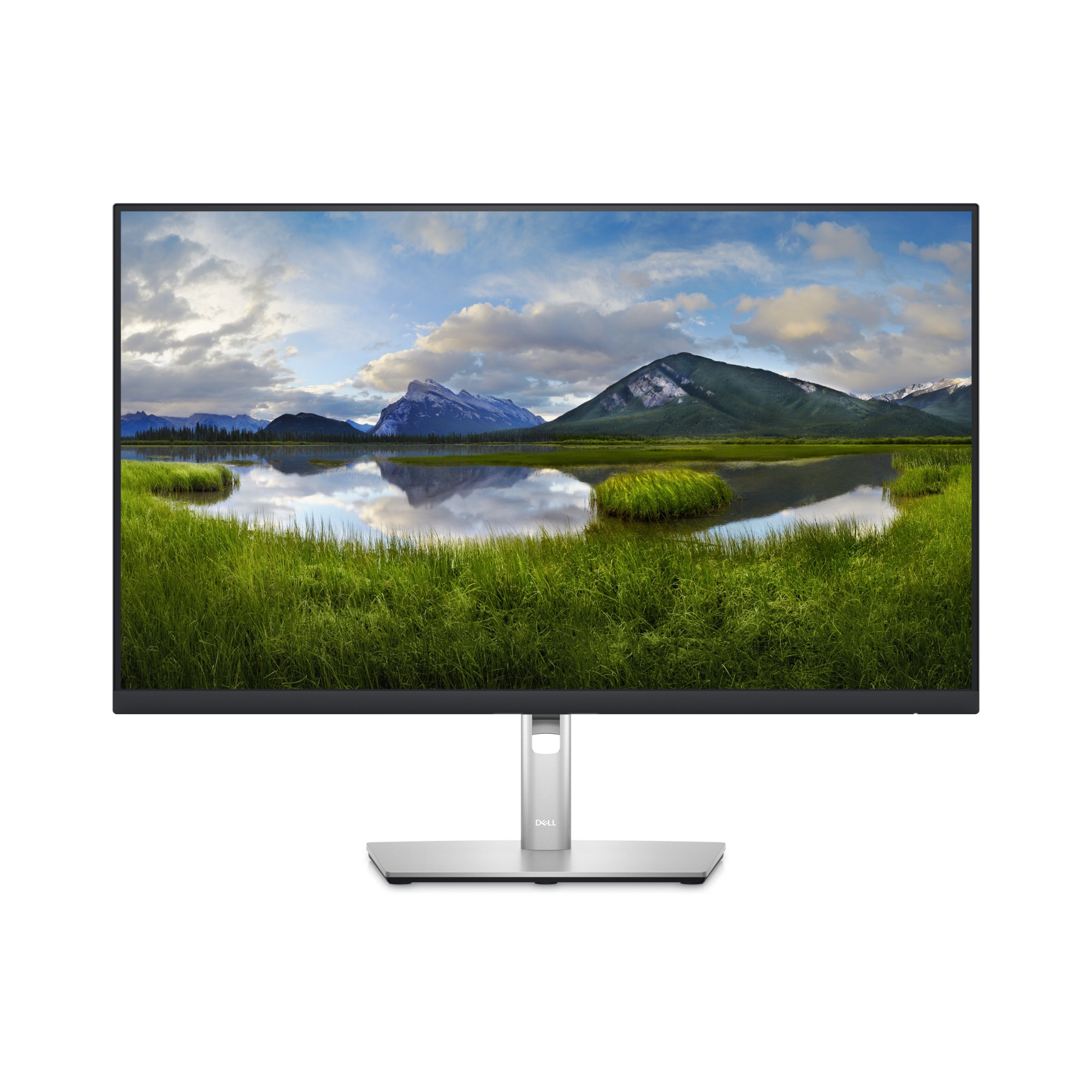
DELL P Series 27 Monitor - P2723D
68.6cm (27") Quad HD 2560 x 1440 LED IPS, 16:9, 350cd/m², 16.7M, 5ms, 178°/178°, 1000:1
€810.99
€659.34
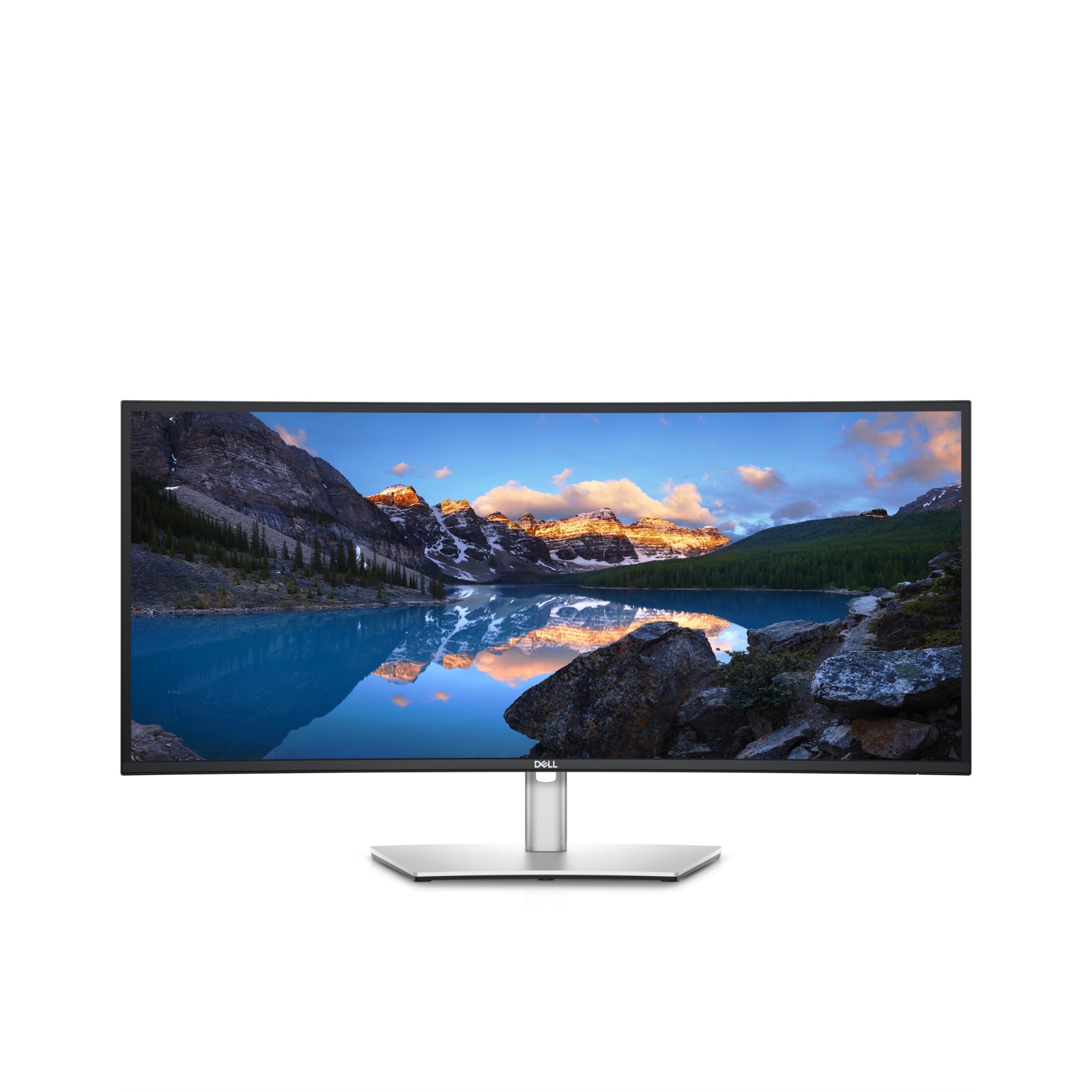
DELL UltraSharp U3423WE computer monitor 86.7 cm (34.1") 3440 x 1440 pixels UltraWide Quad HD LCD Silver
86.7cm (34.14") UltraWide Quad HD 3440 x 1440 Edge LED IPS, 21:9, 300cd/m², 8ms, 178°/178°, 2000:1
€1,106.56
€899.64
Easily mount your Dell™ Dock-WD15 or Dell Thunderbolt Dock-TB15 behind most Dell UltraSharp or P-Series monitors or to a wall, desk, or any flat surface with the Dell Docking Station Mounting Kit. Help create a clutter-free work environment at your desk or workstation by mounting your Dell Dock-WD15 or Dell Thunderbolt Dock-TB15 behind your compatible monitor or under your desk.
The kit comes with everything that you need to mount your Dell Dock-WD15 or Dell Thunderbolt Dock-TB15 behind a compatible Dell UltraSharp or P-Series monitor . The bracket easily attaches with four included mounting screws to the VESA mounting holes (100mm) underneath the monitor stand connector. Stand should be removed to attach the bracket, and then reattached to the bracket once the bracket is secured to the monitor. Mounting position for the Dell Dock-WD15 or Dell Thunderbolt Dock-TB15 will be offset to the side of the stand. Two included mounting screws are screwed into the bottom of your dock, which then allows it to slide easily onto the mounting bracket. It can easily be removed when needed. The kit can also be used to mount your Dell Dock-WD15 or Dell Thunderbolt Dock-TB15 on a wall, under a desk, or onto a table (with included mounting hardware). Two included mounting screws are screwed into the bottom of your dock, which then allows it to slide easily onto the mounting bracket. It can easily be removed when needed.
The kit comes with everything that you need to mount your Dell Dock-WD15 or Dell Thunderbolt Dock-TB15 behind a compatible Dell UltraSharp or P-Series monitor . The bracket easily attaches with four included mounting screws to the VESA mounting holes (100mm) underneath the monitor stand connector. Stand should be removed to attach the bracket, and then reattached to the bracket once the bracket is secured to the monitor. Mounting position for the Dell Dock-WD15 or Dell Thunderbolt Dock-TB15 will be offset to the side of the stand. Two included mounting screws are screwed into the bottom of your dock, which then allows it to slide easily onto the mounting bracket. It can easily be removed when needed. The kit can also be used to mount your Dell Dock-WD15 or Dell Thunderbolt Dock-TB15 on a wall, under a desk, or onto a table (with included mounting hardware). Two included mounting screws are screwed into the bottom of your dock, which then allows it to slide easily onto the mounting bracket. It can easily be removed when needed.
| SKU | MK15 | ||||||||||||||||||||||
|---|---|---|---|---|---|---|---|---|---|---|---|---|---|---|---|---|---|---|---|---|---|---|---|
| EAN | 5397063764167 | ||||||||||||||||||||||
| Specification |
|
||||||||||||||||||||||
| Manufacturer | DELL | ||||||||||||||||||||||
| Short Description | Dock Mounting Bracket Kit | ||||||||||||||||||||||
| Description |
Easily mount your Dell™ Dock-WD15 or Dell Thunderbolt Dock-TB15 behind most Dell UltraSharp or P-Series monitors or to a wall, desk, or any flat surface with the Dell Docking Station Mounting Kit. Help create a clutter-free work environment at your desk or workstation by mounting your Dell Dock-WD15 or Dell Thunderbolt Dock-TB15 behind your compatible monitor or under your desk. The kit comes with everything that you need to mount your Dell Dock-WD15 or Dell Thunderbolt Dock-TB15 behind a compatible Dell UltraSharp or P-Series monitor . The bracket easily attaches with four included mounting screws to the VESA mounting holes (100mm) underneath the monitor stand connector. Stand should be removed to attach the bracket, and then reattached to the bracket once the bracket is secured to the monitor. Mounting position for the Dell Dock-WD15 or Dell Thunderbolt Dock-TB15 will be offset to the side of the stand. Two included mounting screws are screwed into the bottom of your dock, which then allows it to slide easily onto the mounting bracket. It can easily be removed when needed. The kit can also be used to mount your Dell Dock-WD15 or Dell Thunderbolt Dock-TB15 on a wall, under a desk, or onto a table (with included mounting hardware). Two included mounting screws are screwed into the bottom of your dock, which then allows it to slide easily onto the mounting bracket. It can easily be removed when needed. |
||||||||||||||||||||||
| Hide Ship Date? | No | ||||||||||||||||||||||